 Leadpages
 Webflow
Leadpages vs Webflow
A side-by-side comparison to help you choose the right platform for your business.
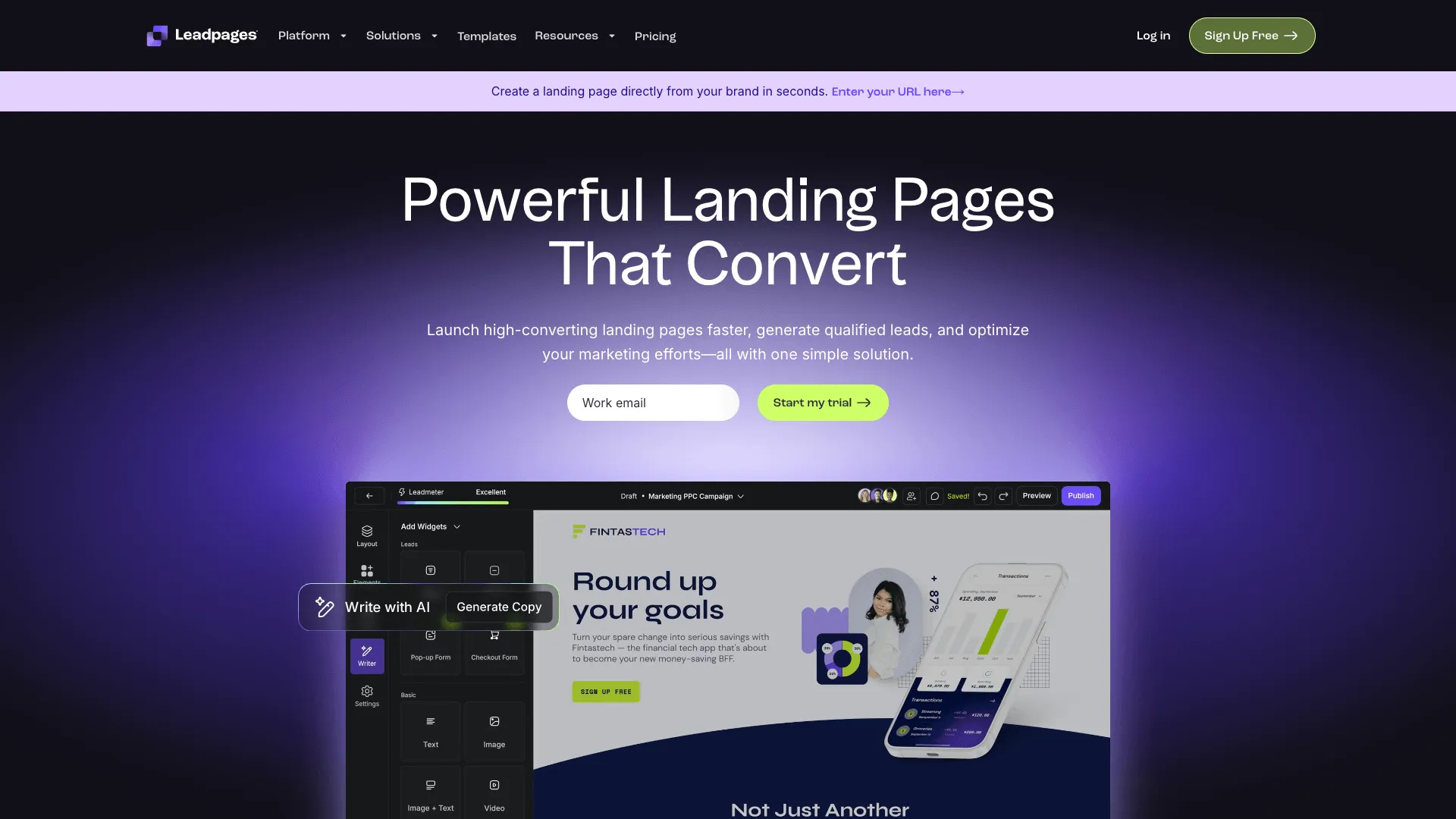
Leadpages
Landing page builder for small businesses
Small businesses focused on lead generation through landing pages and pop-ups
Visit Website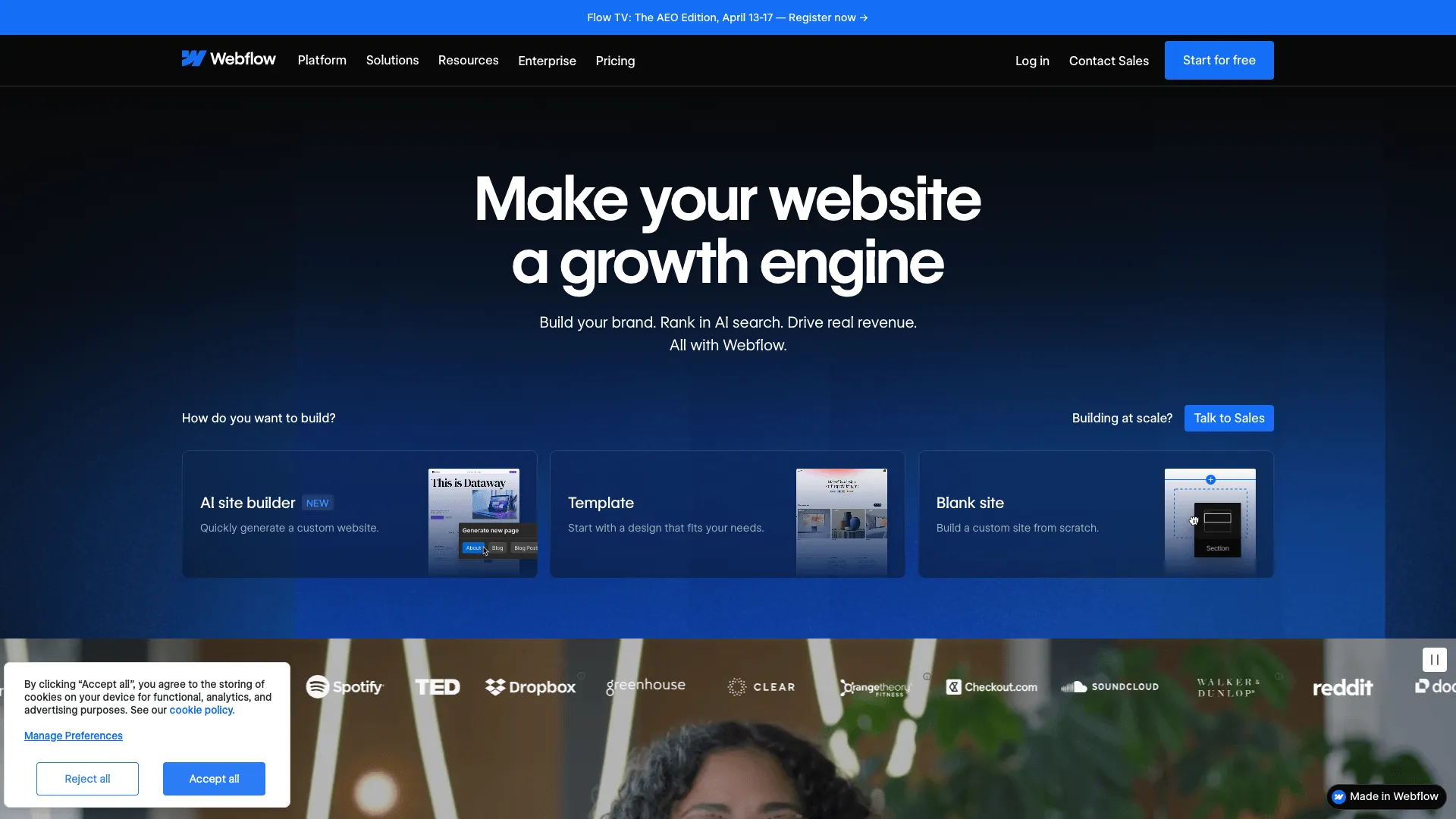
Webflow
Visual website builder for designers and developers
Designers and agencies wanting full creative control over custom websites without writing code
Visit WebsiteFeature Comparison
| Feature | Leadpages | Webflow |
|---|---|---|
| Funnel Builder | No | No |
| Landing Pages | Yes | Yes |
| Email Marketing | No | No |
| A/B Testing | Yes | No |
| Ecommerce | Pro plan (basic) | Ecommerce plan ($29+/mo) |
| Membership Sites | No | Via Memberstack integration |
| Affiliate Management | No | No |
| Webinar Hosting | No | No |
| Built-in CRM | No | No |
| Blog / CMS | Yes | Yes |
| Custom Domain | Yes | Yes |
| Drag & Drop Editor | Yes | Yes |
Pricing
| Plan | Leadpages | Webflow |
|---|---|---|
| Free Plan | No | Yes |
| Free Trial | 14 days | No |
| Standard | $49/mo | Free |
| Pro | $99/mo | $18/mo |
| CMS | - | $29/mo |
| Business | - | $49/mo |
Pros & Cons
Leadpages
Pros
- ✓200+ high-converting landing page templates
- ✓Leadboxes pop-ups and alert bars for lead capture
- ✓Integrates with 40+ email and CRM platforms
- ✓Affordable starting price at $49/month
- ✓Can be embedded on any existing website
Cons
- ✗Not a funnel builder - no multi-step selling sequences
- ✗No built-in email automation
- ✗No affiliate management tools
- ✗No one-click upsells or order bumps
Webflow
Pros
- ✓Unmatched design flexibility with visual CSS control
- ✓Generates clean, production-ready code
- ✓Built-in CMS for blogs and dynamic content
- ✓Powerful interactions and animations without code
- ✓Free plan for learning and prototyping
Cons
- ✗Steep learning curve compared to traditional website builders
- ✗No built-in email marketing, funnels, or CRM
- ✗Ecommerce features require a separate, more expensive plan
- ✗Not designed for sales funnels or marketing automation
Frequently Asked Questions
What is the difference between Leadpages and Webflow?
Which is cheaper, Leadpages or Webflow?
Does Webflow have a/b testing?
Which platform is better for beginners, Leadpages or Webflow?
Can I try Leadpages and Webflow for free?
The Verdict
Webflow
Visual website builder for designers and developers
Designers and agencies wanting full creative control over custom websites without writing code
- ✓Unmatched design flexibility with visual CSS control
- ✓Generates clean, production-ready code
- ✓Built-in CMS for blogs and dynamic content
Choose Leadpages if...
Small businesses focused on lead generation through landing pages and pop-ups
Not ideal if: Businesses needing complete sales funnels with checkout and upsells
Choose Webflow if...
Designers and agencies wanting full creative control over custom websites without writing code
Not ideal if: Marketers needing sales funnels, email marketing, or a quick-launch landing page tool